Your guest experience, one scan at a time
A WiFi code at the reception, a welcome guide on the room door, a review link at checkout — all generated from your own photos, so they look like your place, not like a parking meter. The WiFi code even works with no internet at all.
Create my guest QR codes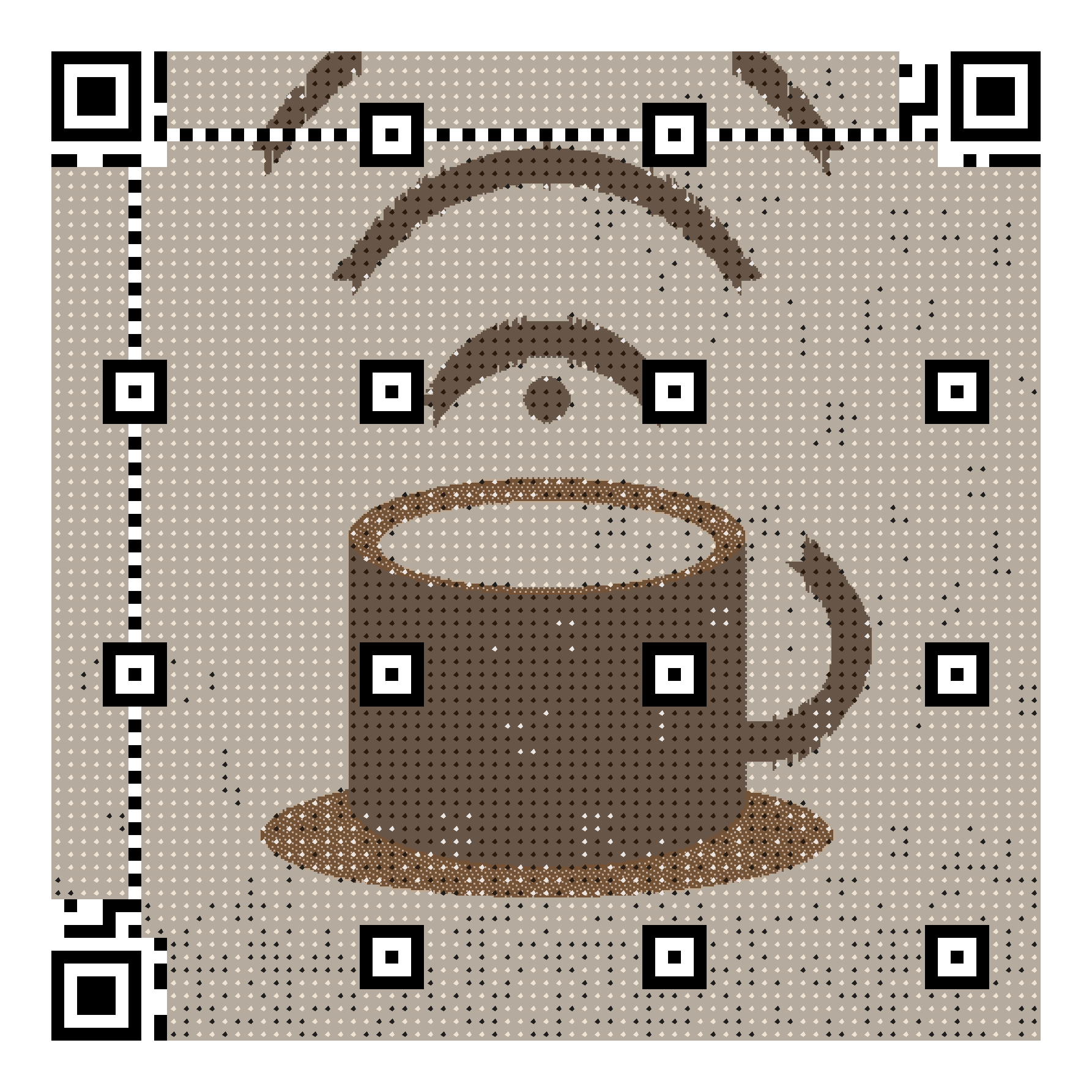
WiFi without the front desk
Guests scan and connect — no more spelling the password at check-in or taping laminated sheets to the wall. Works offline, forever.
A welcome book that stays current
Link a QR to your digital guide (house rules, checkout time, best pizza nearby) and update the content anytime — the printed code never changes.
More reviews, asked at the right time
A QR by the door or on the checkout email invites the review while the stay is fresh. Change the destination per season or platform.
How it works
- Upload a photo of your place — the facade, the view, your logo.
- Create a WiFi code for the network, and link codes for the guide and reviews.
- Download the ready-to-print A5 posters and place them in the rooms.
- Update the linked content anytime; reprint nothing.
Frequently asked questions
- Does the WiFi code work in rooms with bad signal?
- The code itself needs no connection at all — the network name and password are engraved in the image. If the phone can see your WiFi, the code can join it.
- I manage several apartments — one code each?
- Yes, one WiFi code per network at 5 € each, or the Pro plan (9 €/month) for unlimited codes — convenient beyond a handful of units. Link codes for guides can be shared or per-unit.
- Can guests without a QR habit still connect?
- The poster shows the network name, and both iPhone and Android cameras recognise WiFi codes natively — guests just point the camera. For the rare exception, keep the password on the same poster or at the desk.
Free live preview — pay 5 € once, only when you love the result. Verified with a real decoder.