A WiFi QR code that looks like your place
Stop taping passwords to the wall. Turn a photo of your café, your logo or your room into a scannable QR code — guests point their camera at it and join your network in one tap. The network details are engraved in the code itself: it works forever, with no server involved.
Create my WiFi QR code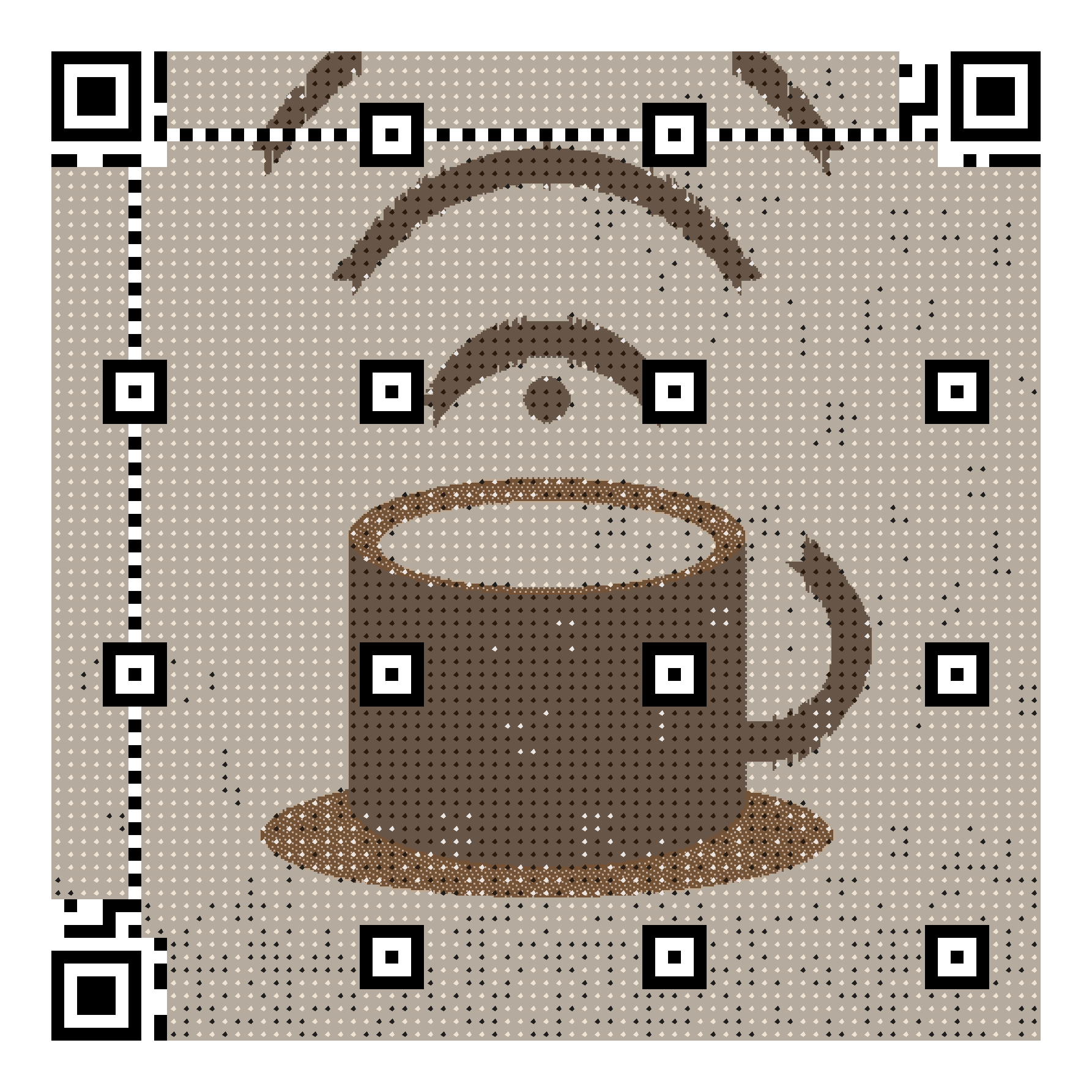
One scan, connected
iPhone and Android cameras recognise WiFi codes natively. No app to install, no password to mistype at the counter.
Works forever, offline
The SSID and password are encoded into the image itself — nothing to resolve online. Print it once, it works as long as your network exists.
Actually looks good
Frame it at the reception, print it on table stands or room cards — the code is your photo or logo, not a black-and-white square.
How it works
- Upload a photo of your place, your logo, or any picture you love.
- Choose “WiFi access” and type your network name and password.
- Check the live preview, adjust the style, then pay 5 € once.
- Download PNG, SVG or print-ready PDF and display it.
Frequently asked questions
- Does it work on iPhone and Android?
- Yes. Both camera apps recognise the standard WiFi QR format natively (iOS 11+ and Android 10+) and offer to join the network with one tap — no app needed.
- What happens if I change my WiFi password?
- WiFi codes are static: the details are engraved in the image, which is what makes them work offline and forever. If you change the password you will need a new code — so double-check the details in the preview before ordering.
- Is it safe to display my WiFi password as a QR code?
- The code contains exactly what you would otherwise write on a chalkboard: network name and password. It works without our servers, and anyone who can physically scan it can join — display it where your guests are, like any guest-WiFi password.
Free live preview — pay 5 € once, only when you love the result. Verified with a real decoder.